Garage Door Not Working With Remote or Keypad?
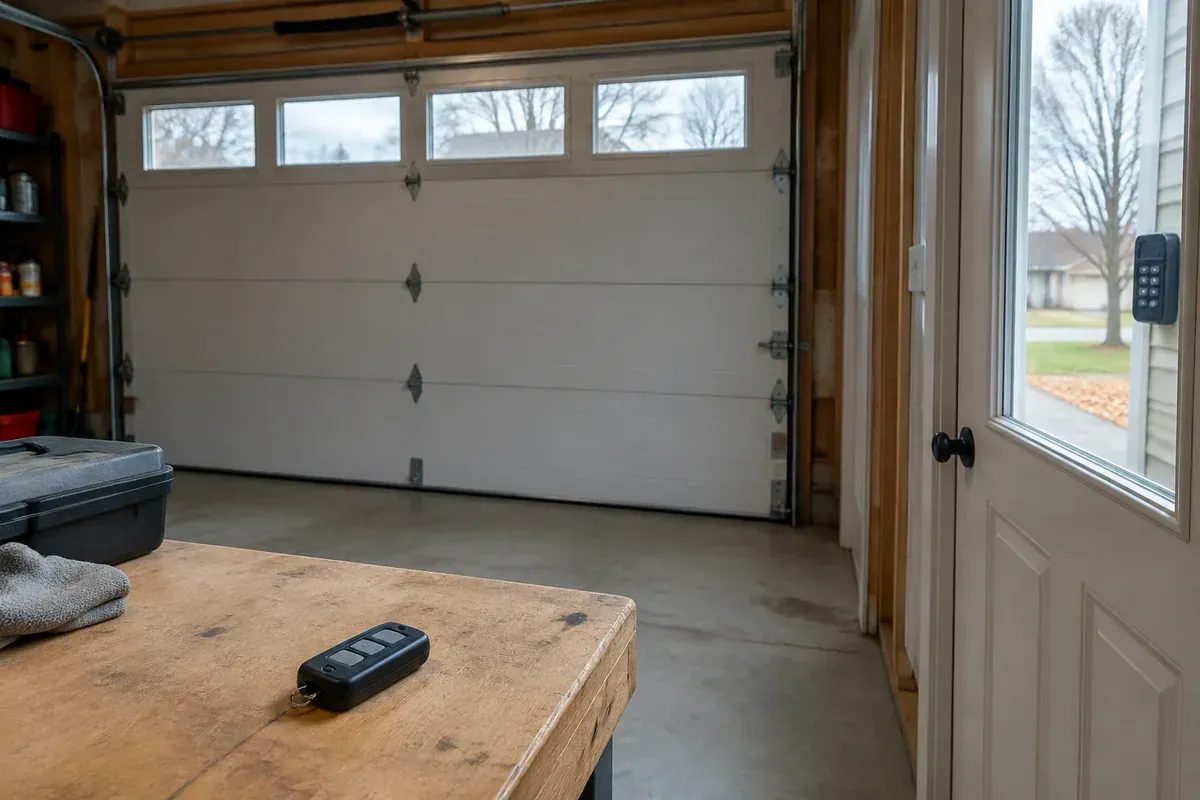
If your garage door is not working with remote or keypad controls, but the wired wall control still moves it normally, start with the opener’s lock settings and wireless signal path. The problem may be something the remote and keypad share, not separate dead batteries. Avoid resetting everything before you know what stopped working.
This guide helps you narrow that pattern safely. If the checks point to an opener problem, garage door opener repair in Lima is the next step, not an automatic reason to replace the whole system.
Garage Door Not Working With Remote or Keypad: Confirm the Pattern
Before changing a setting, confirm exactly what still works. A door that responds normally to the wired wall control gives you a different starting point than a door that will not move from any control.
Stand where you can see the entire opening. Keep people, pets, and vehicles clear, then use the wall control normally. Watch whether the door opens and closes smoothly without needing you to hold the button down.
Normal wall-control operation matters
If the door travels normally from the wall control, the opener has power and can operate the door at that moment. That makes a shared wireless-control issue worth checking first. It does not prove that every part of the opener or door is healthy.
If the door closes only while you hold the wall button, stop treating this as a simple remote problem. That behavior can point to a safety-sensor or closing-system issue. Our guide to a garage door that will not close all the way covers that different troubleshooting path.
Make a short note of the pattern:
- Does the remote fail both inside and outside the garage?
- Does the keypad light up or respond to button presses?
- Does the opener blink, click, or stay completely quiet?
- Did both wireless controls stop working around the same time?
- Did the problem begin after a power interruption, new accessory, or setting change?
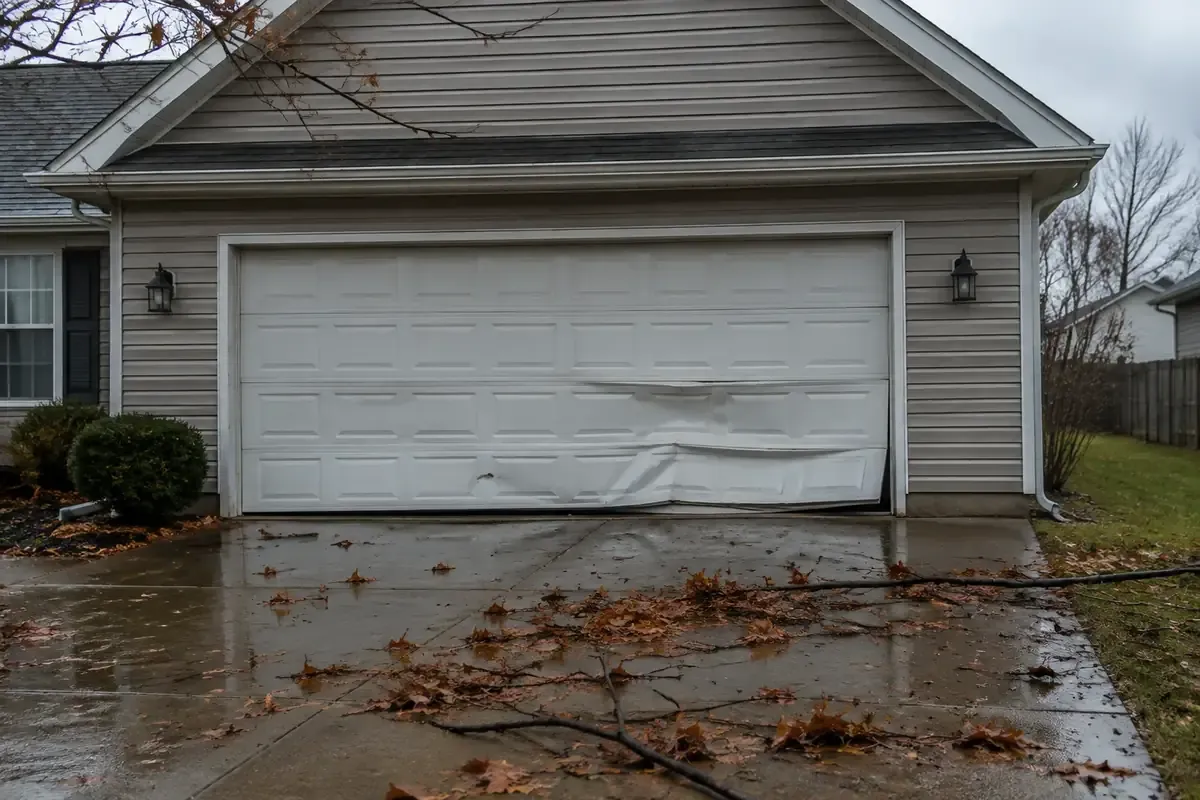
Stop testing if the door hangs crooked, binds, makes a new grinding sound, or has a loose cable. A control problem should not distract you from a door that looks unsafe.
Check the Documented Lock or Vacation Setting
A wall-control lock feature is a sensible place to start when the wall button works but wireless controls do not. Depending on the opener, this feature may be called lock mode, vacation mode, or something similar.
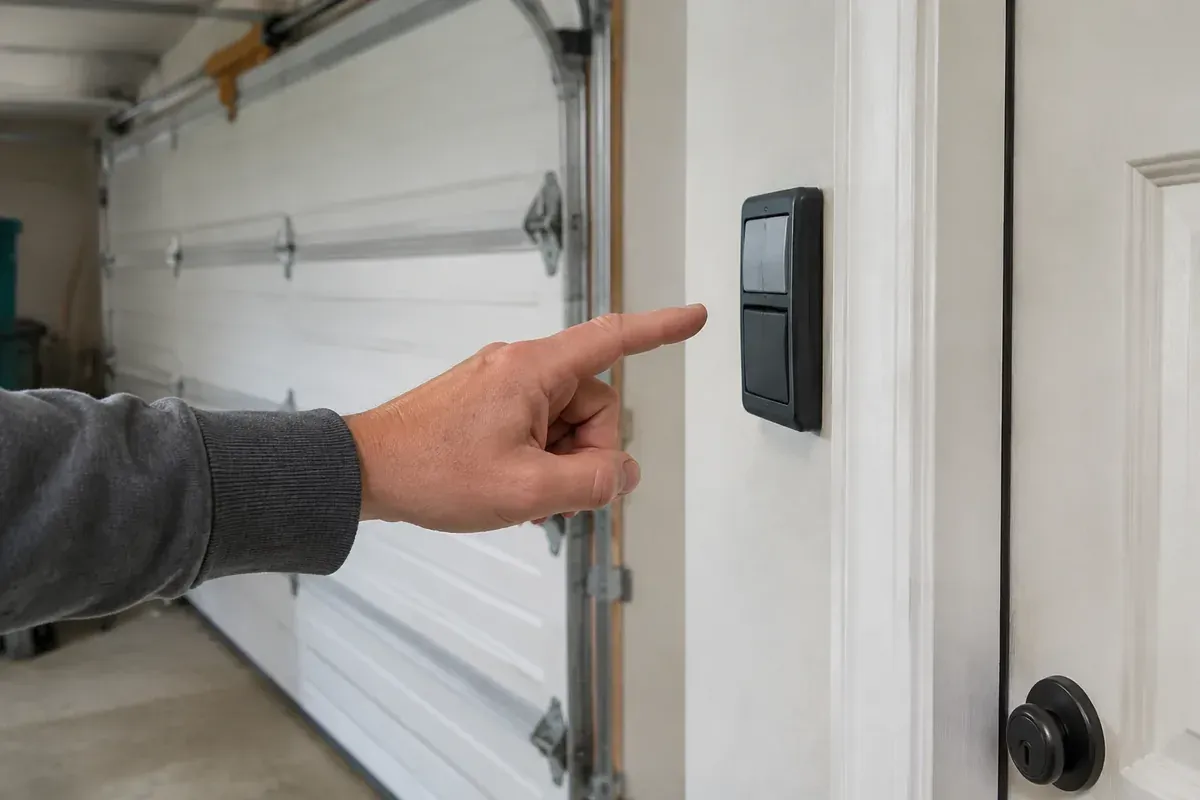
Its behavior varies. Some systems block handheld remotes while still allowing keypad entry. Others handle accessories differently. Finding a lock indicator is useful, but it is not enough by itself to explain why every wireless control has stopped responding.
Use the instructions for your actual wall control
Look for a labeled lock button or indicator without removing the wall control from the wall. Then check the owner’s manual for the exact opener and control combination. A button sequence from a different model may change something you did not intend to change.
If the manual confirms that the lock feature is active, follow its instructions to turn that feature off. Retest the remote and keypad separately while keeping the door in sight.
Do not confuse an electronic vacation setting with a physical slide lock on the door. If a manual lock is engaged, do not run the opener against it. A locked door can resist the opener and damage parts.
For a rental property in Lima or a home shared by several people, ask whether anyone changed the wall-control settings. A setting used before a trip can easily be forgotten when the household returns.
Separate Shared Problems From Individual Control Failures
When the remote and keypad fail together, look for a common cause before assuming both devices need replacement. They may share the opener’s radio receiver, stored access settings, or exposure to interference.
Still, separate battery problems can happen. An outdoor keypad and a remote left in a vehicle do not live under the same conditions as the wall control inside the garage.
| What you observe | What it may suggest | Safe next step |
|---|---|---|
| Both wireless controls stopped after a setting change | Lock settings or changed access programming | Check the correct manual before changing anything else |
| Both work near the opener but not from their usual locations | Reduced range, interference, or an antenna issue | Compare locations and look for recent electrical changes |
| The remote works, but the keypad does not | Keypad battery, contacts, programming, or weather damage | Inspect the keypad and follow its model-specific instructions |
| The keypad works, but the remote does not | Remote battery, compatibility, or remote failure | Troubleshoot that remote separately |
| Both remain silent while the wall control works normally | Shared receiver or control-system trouble | Record the symptoms and arrange diagnosis |
A light does not prove the control is sending a usable signal
A keypad backlight or remote indicator tells you that some power is available. It does not prove the battery is strong enough, the button contacts are working correctly, or the opener recognizes the signal.
Inspect user-accessible battery compartments for obvious corrosion or moisture. Use the battery type and orientation listed for that device. Do not scrape damaged contacts with metal tools or keep trying a keypad with visible internal damage.
Northwest Ohio cold can expose weak batteries, especially in an outdoor keypad or a remote stored in an unheated vehicle. However, weather alone does not explain every simultaneous failure. Keep following the evidence rather than replacing parts at random.
If testing shows that only the handheld control has failed, switch to these checks for a garage door remote that is not working.
Look for Signal Interference Without Taking the Opener Apart
The wired wall control does not depend on the same radio signal as your remote and wireless keypad. That is why interference can leave the wall control working while outside access becomes unreliable.
Think about what changed shortly before the failure. A new light bulb in the opener, a plug-in accessory, a charger, or another nearby electronic device may be relevant. The timing is a clue, not proof that a particular item is defective.
Compare range before changing programming
With the door area clear, test the remote from a safe spot inside the garage. Stay away from the moving door and do not stand on a ladder while operating it. If it works nearby but not from the driveway, write that down.
An attached garage in Lima may have chargers, lighting, and household electronics close to the opener. A detached garage may have different signal obstacles. Test from more than one safe location rather than assuming the usual parking spot tells the whole story.
If you recently added a nonessential plug-in device, you can temporarily unplug that device and compare the result. Do not unplug safety equipment, disturb wiring, or start switching unfamiliar circuits. Change only one thing at a time so the result means something.
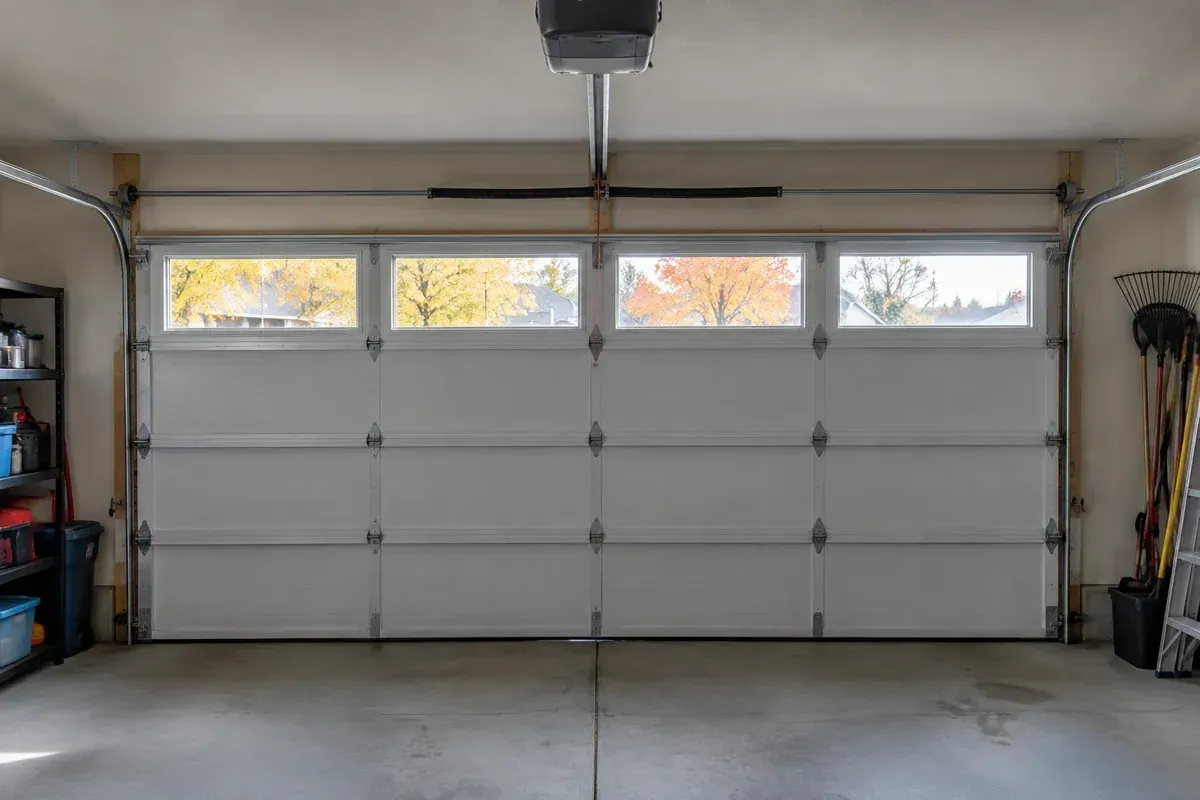
Look at the opener’s antenna from the floor. If the manual shows an external antenna wire, note whether it appears damaged or tucked out of position. Do not cut it, splice it, attach an improvised extension, or open the motor housing.
A range problem is worth investigating even if fresh batteries seem to help briefly. Reprogramming controls will not remove electrical interference or repair a damaged receiver.
Record Indicator Behavior and Find the Correct Manual
Before pressing a programming button, gather information. A clear description of what the opener does is more useful than a string of resets that changes the original symptoms.
Photograph the model label if you can do so safely. The opener, wall control, remote, and keypad may have different model numbers, particularly if accessories were replaced over time. Do not assume a keypad is compatible just because its brand matches the opener.
Note what happens during each test
Watch the wall-control indicator, keypad lights, opener lights, and any visible diagnostic indicator. Record whether a light stays on, flashes, changes when you press a button, or does nothing. Include any clicking sound and whether the door moves at all.
Indicator meanings are model-specific. A flashing light on one opener may mean something different on another, so avoid treating a general online chart as a diagnosis.
Use the manufacturer’s manual that matches the model, then find the sections about lock settings, remote controls, keyless entry, and diagnostic indicators. If the controls were recently replaced, check their compatibility information too.
For a keypad that fails even with a new battery, confirm battery orientation, inspect accessible contacts, and check the entry procedure in that manual. A new battery cannot fix lost enrollment, incompatible equipment, or failed electronics.
If the trouble started after an outage or power flicker, include that detail in your notes. These safe checks after a garage door power outage can help separate a power-related problem from a wireless-access problem.
For property managers, also confirm that you are testing the intended door and authorized controls. Avoid broad programming changes that could remove access for other residents or staff.
Avoid Blind Resets, Erased Access, and Security Shortcuts
The learn or program button is not a universal repair button. On some openers, holding it can erase stored controls rather than add a device. That can turn a limited problem into lost access across the property.
Do not hold buttons experimentally, use a reset sequence meant for a different model, or remove every saved control just to see what happens. First establish whether programming is actually the likely problem.
Program only with the matching instructions
To program a keypad, you need the correct instructions for both the keypad and the opener. The process commonly involves placing the opener in a learning mode and entering an authorized code, but the button sequence and confirmation signals vary.
Keep another authorized way into the property available while testing. If you manage a rental, coordinate access changes with the people who rely on that entrance.
Unplugging the opener is not the same as clearing its stored remote and keypad settings. A power cycle may restart electronics, but it generally does not remove saved access programming or solve an underlying receiver fault. Follow the manual rather than repeatedly unplugging the unit.
If the manual recommends disconnecting power, do so only when the plug is safely accessible and the door is stationary. Do not climb on a vehicle or stretch from an unstable ladder to reach it.
Never bypass the safety sensors, jumper control terminals, or defeat security features to restore wireless access. Also avoid pulling the emergency release as a test of the remote system. That release changes the door’s connection to the opener; it does not repair radio communication, and an unbalanced door can move unexpectedly when disconnected.
Know When Shared Wireless Failure Needs Professional Diagnosis
If the wall control works normally, the documented lock setting is correct, and both wireless controls still fail after basic checks, stop guessing. The problem may involve the receiver, control board, antenna, accessory compatibility, or stored programming.
A technician can compare those possibilities without assuming the entire opener needs replacement. Depending on the equipment and condition, the right answer may be a settings correction, compatible accessory, component repair, or opener replacement. The symptoms alone do not settle that choice.
My advice is to avoid buying a replacement keypad and remote together just because both stopped working. When they failed at the same time, finding the shared cause first can prevent buying accessories that leave you with the same problem.
Have these details ready when you call
Tell the technician the opener model, which controls still work, and whether the door moves normally from the wall control. Mention recent outages, new bulbs or electronics, programming attempts, and whether either wireless control works at close range.
Photos of the model label and controls can help explain the setup. Keep access codes private, and share access information only through an appropriate channel when service is arranged.
If you are searching for garage opener repair near me in Lima, Elida, Delphos, or nearby towns, describe the problem as “the wall control works, but the remote and keypad do not.” That clear distinction helps focus the diagnosis. Final pricing depends on what the technician finds after seeing the door and opener.
Contact Same Day Garage Door at (419) 909-0197 or request help with your opener. Have the opener model and a list of the controls that still work ready.
Frequently asked questions
Do garage door remotes go bad?
Yes. Worn buttons, damaged battery contacts, moisture, or failed electronics can stop a remote from working. If the keypad fails at the same time, check shared opener settings and signal problems before assuming the remote itself is bad.
How do I program a garage door opener keypad?
Use the instructions that match both your keypad and opener model, and confirm that they are compatible. Avoid holding the learn button without checking the manual, because that action can erase saved controls on some systems.
My Chamberlain keypad isn't working even with a new battery. What should I do?
Check the battery type, orientation, and accessible contacts, then use the instructions for your exact Chamberlain keypad and opener. If the handheld remote also fails while the wall control works, investigate shared settings or receiver trouble instead of repeatedly changing the keypad code.
Will unplugging the garage door opener reset it?
Unplugging may restart the electronics, but it generally does not erase saved remotes or keypad access. It also will not repair faulty hardware, so follow the model-specific manual rather than treating a power cycle as a complete reset.
Can I keep using the wall control while the remote and keypad do not work?
You can generally use the wall control if the door opens and closes normally, the opening is clear, and there are no signs of damage. Stop if the door moves unevenly, makes unusual noises, or closes only while you hold the button.