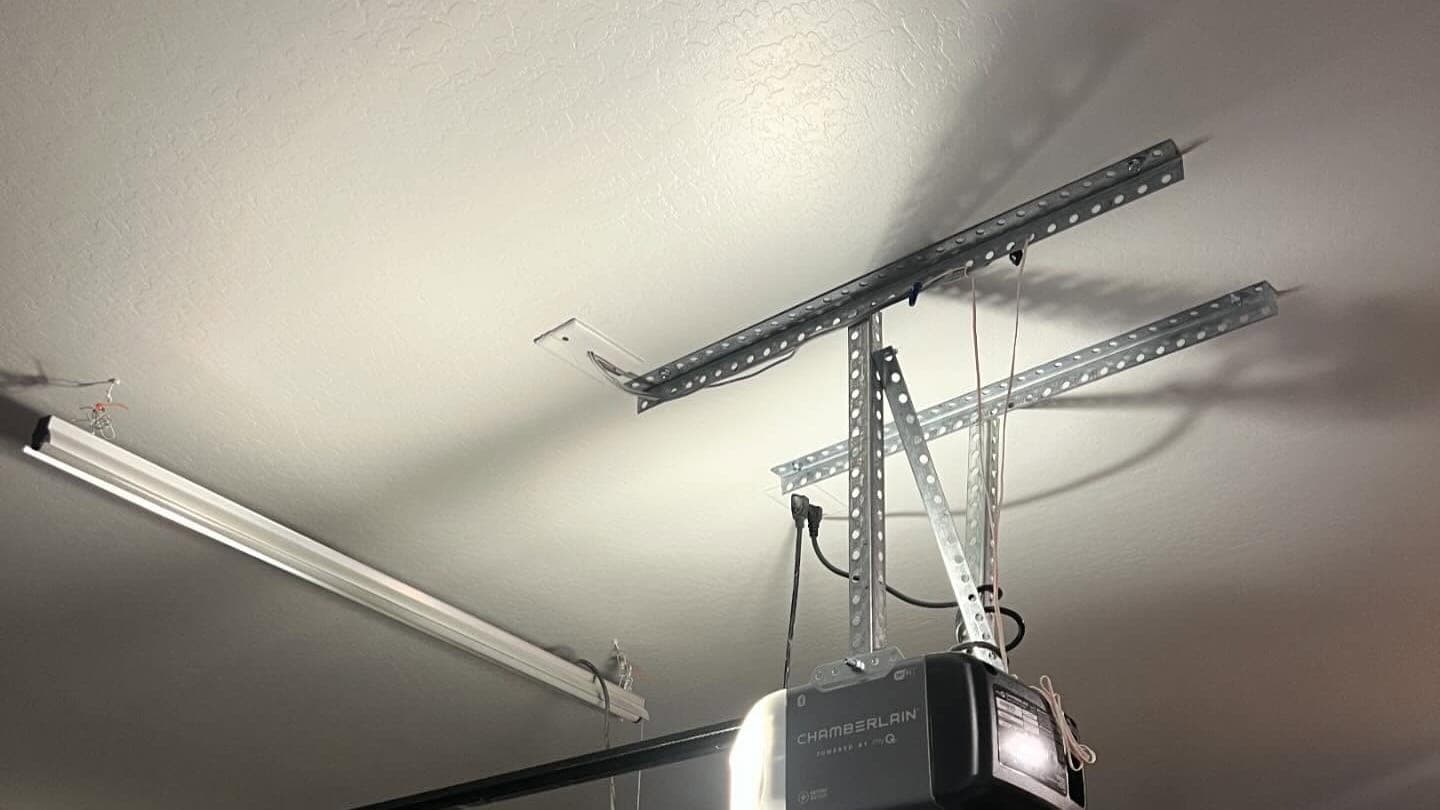
Garage Door Not Working With Remote? Lima Fixes
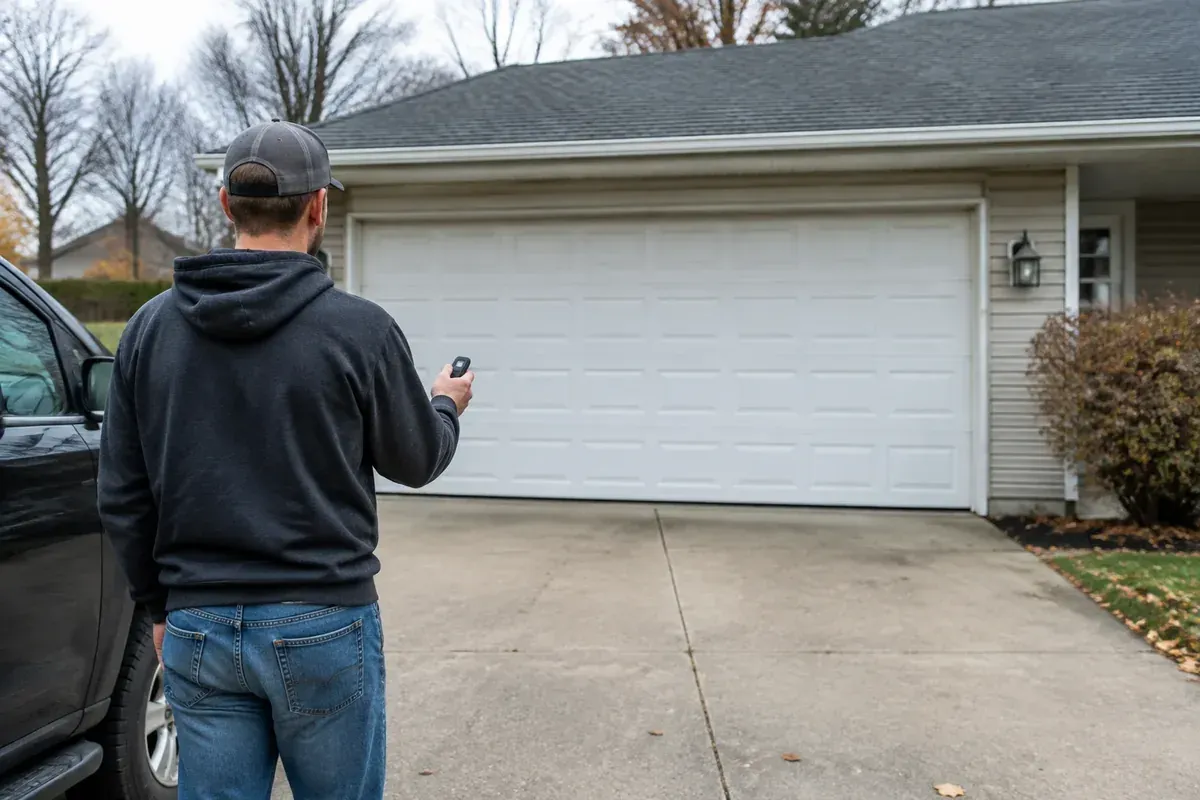
If your garage door is not working with the remote, but the wall control and keypad still operate it normally, start with the handheld remote. A weak battery, worn button, lost pairing, or signal problem may be behind the trouble. That symptom alone does not mean you need a new opener.
Keep the door in view during every test and keep people, pets, and vehicles clear of its path. If the basic checks below do not help, an inspection for garage door opener repair in Lima can help separate a bad remote from an opener-side problem.
Confirm Why Your Garage Door Is Not Working With the Remote
Before changing anything, make sure the trouble really is limited to the handheld remote. The most useful clue is how the door responds to its other controls.
From a safe spot with a clear view of the opening, try the wall control. If you have an exterior keypad, check that too. Watch the door through its travel rather than assuming that a motor sound means everything is working.
Compare the controls you already have
Use this table to decide which direction to take. These are clues, not a final diagnosis.
| What you observe | What it suggests | Best next step |
|---|---|---|
| Wall control and keypad work, but a handheld remote does not | The remote, its pairing, or its signal deserves attention first | Check the battery and button condition |
| Another compatible handheld remote works | The failed remote is the stronger suspect | Compare its condition and follow its manual |
| Wall control works, but handheld remotes do not | A lock setting or shared radio issue may be involved | Review the opener's control settings |
| No controls operate the opener | This is not just an isolated remote problem | Stop remote programming and check the broader issue |
| The door starts closing, then reverses | The door has a different operating problem | Stop treating it as a remote-only failure |
A working keypad is useful evidence, but it does not prove every part of the radio system is healthy. Controls can use different connections or settings, depending on the opener.
If every control stopped responding after an electrical interruption, use these safe checks for a garage door that will not work after a power outage instead. Repeatedly pairing a remote will not fix a loss of power.
Check the Remote Battery and Visible Button Condition
The battery is the sensible place to start because you can usually check it without touching the opener. Follow the remote's instructions for opening its battery compartment. Do not pry apart a sealed case or force a cover that will not release.
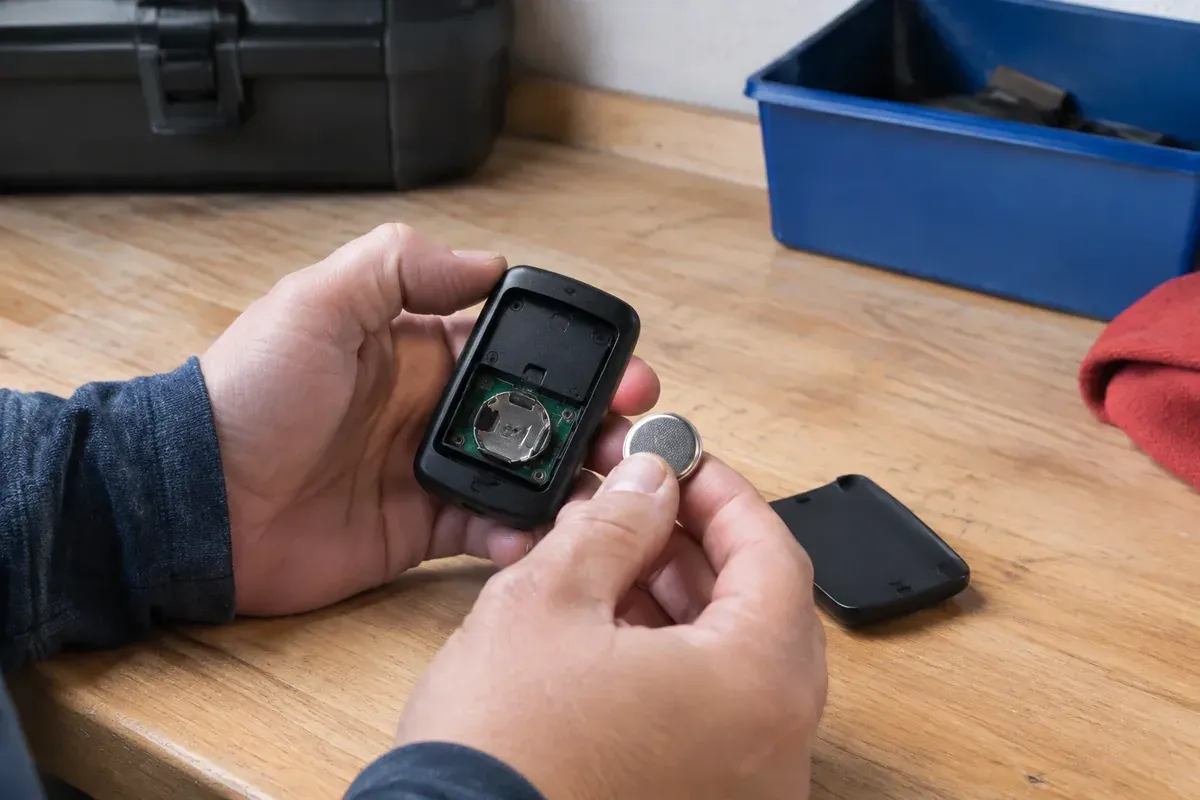
Use the battery type specified for that exact remote. Match the positive and negative markings, and make sure the battery sits securely in its holder. A battery that fits into the compartment is not necessarily the correct replacement.
Look beyond the indicator light
If the remote has a light, notice whether it responds when you press the button. A light can show that the remote has some power, but it does not prove the remote is sending a usable signal.
Check for simple physical problems:
- A button that sticks down or does not spring back.
- A cracked case after a drop onto the driveway.
- Dirt around the button or loose battery cover.
- Visible moisture, corrosion, or damaged battery contacts.
- A visor clip or case that presses against the button.
Wipe the outside with a dry cloth. Do not spray cleaner into the button openings, scrape corroded contacts, or bend parts to make a battery fit. If a battery is leaking or swollen, stop using the remote and follow the battery maker's handling and disposal guidance.
A remote left in a cold vehicle overnight in Lima may behave differently from one stored indoors, especially when its battery is already weak. Let a cold remote return to indoor temperature naturally, away from heaters, then test it again. That can provide a clue, but it is not a lasting fix for a failing battery or damaged remote.
Review the Manual for Lock Settings and Pairing
Once the remote has the right battery and no obvious damage, find the instructions for both the opener and the remote. The opener's model label and the remote's model information matter more than the brand name alone.
Do not climb onto a vehicle, shelf, or unstable chair to read a label. If you cannot identify the unit safely, leave that step for a technician. You may also have the model information in the paperwork left with the home.
Check the wall control's lock feature
Some wall controls have a lock or vacation feature that changes how wireless controls respond. The wall button may still operate the door while certain remote commands are blocked. How the keypad behaves depends on the system.
Look for a labeled lock control or a status light described in the manual. Use only the instructions for your model to change that setting. Guessing at button combinations can change something unrelated.
If another handheld remote still works, a system-wide lock setting becomes a less likely explanation. That is a good reason to compare controls before making changes.
Pair only when the instructions support it
A remote may need to be paired again after certain changes, but not every dead remote has lost its programming. Follow the exact sequence in the manual, including which control to press and when to release it.
Do not hold an opener's Learn button while hoping the remote reconnects. On some models, a longer press erases stored controls rather than adding a remote. That can leave you with more controls to restore than you started with.
For a rental property or shared garage, get permission before changing access settings. Other residents, staff, or owners may depend on the controls already stored in the opener.
Compare Operation From a Safe Position Within Normal Range
After the battery and settings checks, compare where the remote works. Start from a normal approach position with the garage door fully visible. Avoid testing from around a corner, down the street, or anywhere you cannot see someone entering the opening.
Press the intended button deliberately, then give the opener time to respond. Repeated taps can make it hard to tell which command the opener received. Never test while driving toward a closed door.
Compare outside and inside the vehicle
If the remote fails from its usual visor position, park safely and try it outside the vehicle while standing clear of the door. Then compare its response from a closer, unobstructed spot.
A remote that works nearby but not from the driveway may have reduced signal range. Possible causes include a weak battery, a damaged remote, interference, or a receiver-side issue. This result does not automatically mean the opener needs replacement.
Notice whether the problem started after a change, such as a new light bulb in the opener, a new plug-in device in the garage, or remote damage. Some electronic equipment and certain bulbs can interfere with radio reception. Record the timing rather than unplugging everything at random.
Only switch off or unplug an accessible, nonessential device if you can do so safely and without affecting security or other needed equipment. Do not remove opener covers or reach near wiring to investigate interference.
Keep the test conditions consistent
Try the same button from the same safe location so the comparison means something. If another compatible remote works there but the suspect remote does not, that points more strongly toward the handheld unit.
During wet or snowy weather in Lima, avoid standing on an icy driveway just to gain a little range. Reliable operation from a safe, ordinary position is the goal, not finding an awkward spot where the remote occasionally works.
Avoid Resets and Repairs That Can Create More Trouble
A handheld remote problem is frustrating, especially when you are arriving home in cold rain. Still, a full opener reset is usually a poor first move. Depending on the model, it can remove access settings or require setup work that has nothing to do with the original fault.
Keep your checks limited to the battery compartment, visible remote condition, normal controls, and procedures your manual approves for owners. There is no reason to disturb springs, cables, tracks, or the emergency release to diagnose an isolated remote failure.
Avoid these shortcuts:
- Repeatedly erasing and rebuilding the opener's remote memory.
- Opening the motor housing or an electrical enclosure.
- Cutting, extending, or modifying the receiver antenna.
- Adjusting door travel or force settings to fix a radio problem.
- Bypassing safety devices to see whether the remote will work.
- Buying a replacement remote based only on appearance.
A remote that looks identical can use a different radio system or require a different setup method. Confirm compatibility with the opener model before buying one. A remote sold as universal still has compatibility limits.
If the door becomes crooked, hangs up, makes a new harsh noise, or stops responding normally to the wall control, end the remote checks. You are no longer dealing with the same narrow symptom. Keep clear of the door until the new problem is assessed.
Decide Between Replacing the Remote and Repairing the Opener
A failed handheld remote does not, by itself, justify replacing a working opener. If the wall control, keypad, and another compatible remote all work normally, replacing the damaged or unresponsive remote may be the practical answer.
The decision changes when several compatible remotes fail, range remains poor with known-good batteries, or manual-approved pairing will not hold. Those symptoms can call for checking the receiver, interference, or control electronics. A technician should narrow that down before recommending parts.
Bring useful information to the service call
You can make the inspection more focused by noting:
- Which controls work and which do not.
- Whether the failed remote ever works from close by.
- The battery type installed and whether the symptom changed afterward.
- Any recent drops, moisture exposure, lighting changes, or power interruptions.
- The opener and remote model information, if safely available.
For property managers in Lima, Elida, or nearby towns, label the failed remote so it does not get mixed back into a drawer of working controls. Keep any working access method secure, and avoid sharing keypad codes just to work around a bad transmitter.
If replacement of the opener becomes part of the discussion, compare the actual fault, parts availability, and the unit's overall condition. This guide to choosing a garage door opener for a Lima home can help you think through replacement features without assuming replacement is necessary.
Final prices depend on what the technician finds. Same Day Garage Door confirms final pricing after the technician sees the door, so a remote-only symptom should not be treated as a fixed-price diagnosis over the phone.
When to Book an Opener Inspection in Lima
Book an inspection when the correct battery, visible condition check, lock-setting review, and manual-approved pairing steps do not restore reliable operation. You do not need to keep repeating the same reset or stand against the garage door to make the remote work.
If you are searching for garage door opener repair near me, describe the symptom clearly: the wall control and keypad work, but the handheld remote does not. Mention whether another remote works and whether the failure happens only outside. Those details help keep the visit focused on the actual problem.
Until the issue is resolved, use a working control only if the door travels normally and you can operate it safely. Watch it close fully before leaving. Do not leave the garage unsecured simply because the remote is inconvenient.
If the remote still fails after these safe checks, book an opener inspection with Same Day Garage Door. Call (419) 909-0197 or contact the team to arrange service.
Frequently asked questions
Why is my garage door remote not working from outside?
If it works close to the opener but not from your normal driveway position, a weak battery, interference, or a remote or receiver fault may be reducing its range. Compare operation from a safe location outside the parked vehicle, keeping the door in view.
Why is my remote not working even with new batteries?
Check that the battery matches the remote's instructions, faces the correct direction, and sits securely. A new battery will not fix a damaged button, incompatible remote, lock setting, lost pairing, or receiver problem.
How do I program a LiftMaster garage door opener wall control?
The procedure depends on the exact opener and wall control, and a wired wall control may not need remote-style pairing at all. Identify both models and follow their matching instructions rather than using a general button sequence.
What is the lifespan of a garage door opener?
There is no single lifespan that applies to every opener because use, maintenance, condition, and parts availability vary. An isolated remote failure is not enough reason to replace an otherwise working opener.
Can I use my garage door while the handheld remote is broken?
You can generally use a working wall control or keypad if the door moves normally and its safety features are functioning. Keep the opening clear, watch the door during travel, and stop using it if its movement changes or it develops unusual noise.