Garage Door Keeps Opening on Its Own? Safe Checks
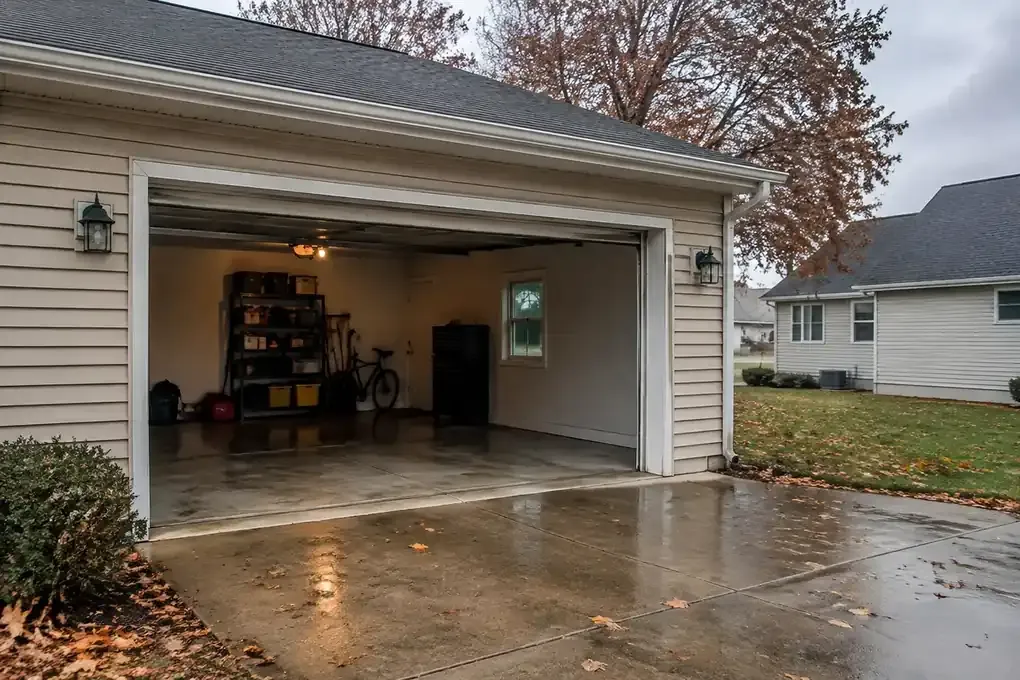
If your garage door keeps opening on its own, start with the controls that can tell it to open: remotes, the wall button, a keypad, and any connected apps. A stuck button, forgotten remote, shared account, or opener fault can cause an unwanted opening. Keep people clear of the door and treat the garage as unsecured until you know what is happening.
This guide is for a door that stays fully closed, then opens later without an intentional command. If the problem continues or you cannot secure the property, contact Same Day Garage Door for help with unexplained openings.
Confirm Why Your Garage Door Keeps Opening on Its Own
Before changing settings, pin down what the door actually does. A door that touches the floor and immediately goes back up has a different problem from a door that sits closed through dinner and opens while you are watching TV.
That difference matters. Immediate reversal can involve an obstruction, closing travel, or another closing-related issue. An opening after the door has remained shut points you toward an unwanted command or an opener control problem.
Make sure it really finished closing
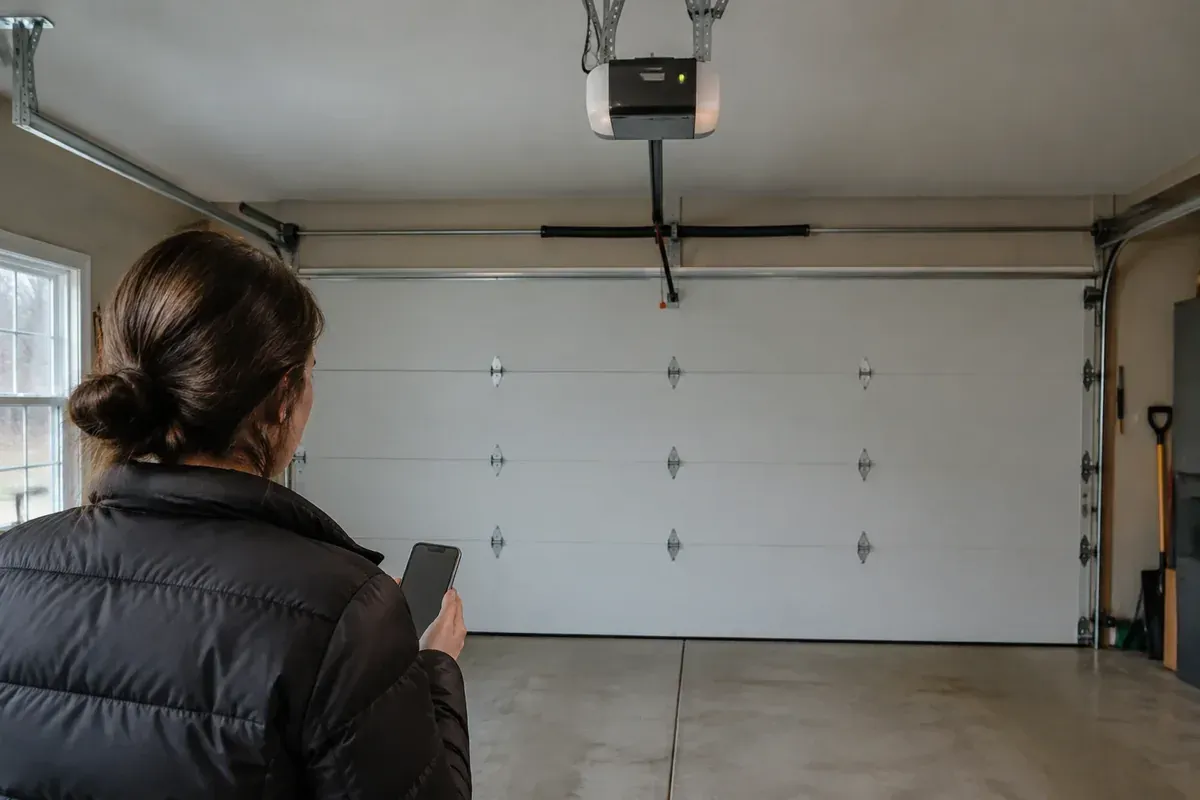
From a safe spot, watch the door complete a normal closing cycle. Keep children, pets, vehicles, and stored items out of its path. Do not stand under the door or reach toward its moving parts.
Notice whether the door rests on the floor and the opener stops. If it reverses right away, use these safe checks for a garage door that will not close all the way instead of chasing remote-access problems.
If the door stays closed and opens much later, continue with the checks below. You do not need to keep running it to prove the problem exists.
Do not blame the safety sensors first
Photo-eye sensors near the bottom of the opening help protect the closing path. An interrupted sensor beam usually prevents closing or causes reversal during closing. It does not normally explain a fully closed door opening later.
Wiping dirty sensor lenses may help a closing problem, but it is not a reliable fix for delayed, unwanted openings. Never bypass the sensors to test that theory.
Check Remotes, Wall Buttons, and Keypads
Start with the simple things you can inspect without removing covers or touching wiring. A remote wedged in a vehicle console can create the same result as someone deliberately pressing its button.
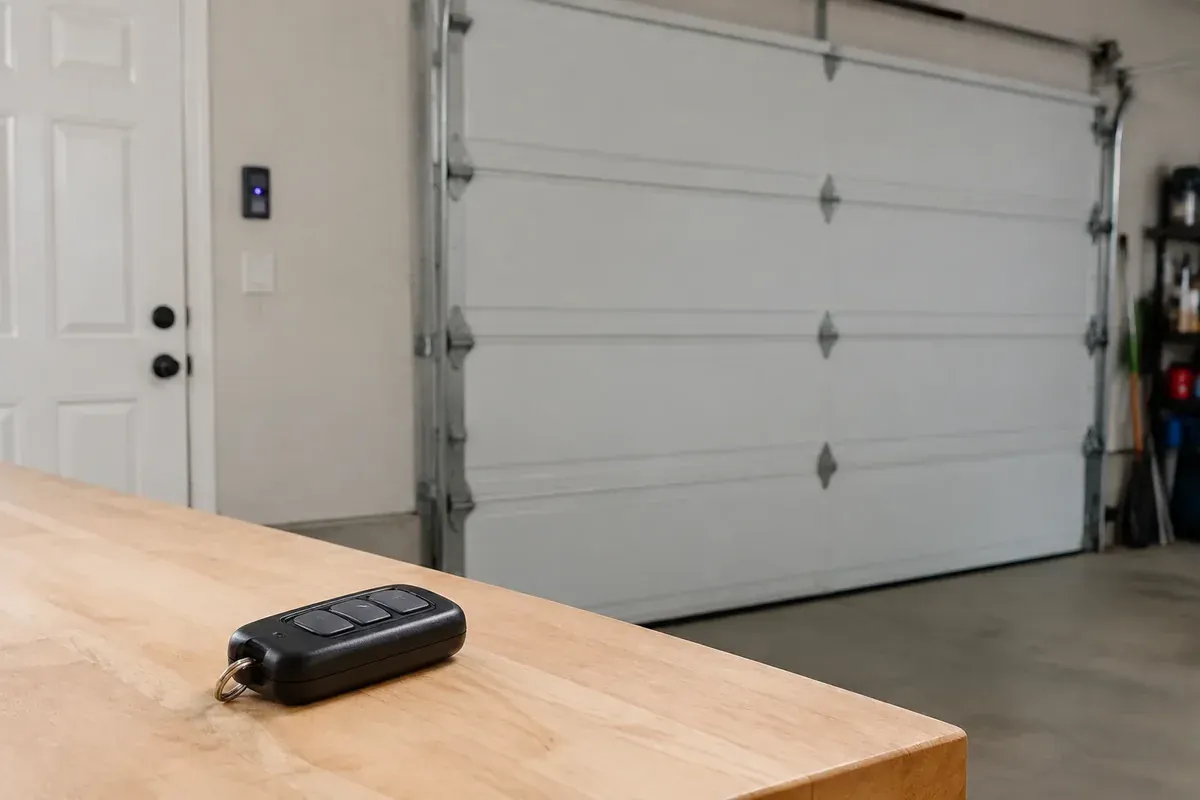
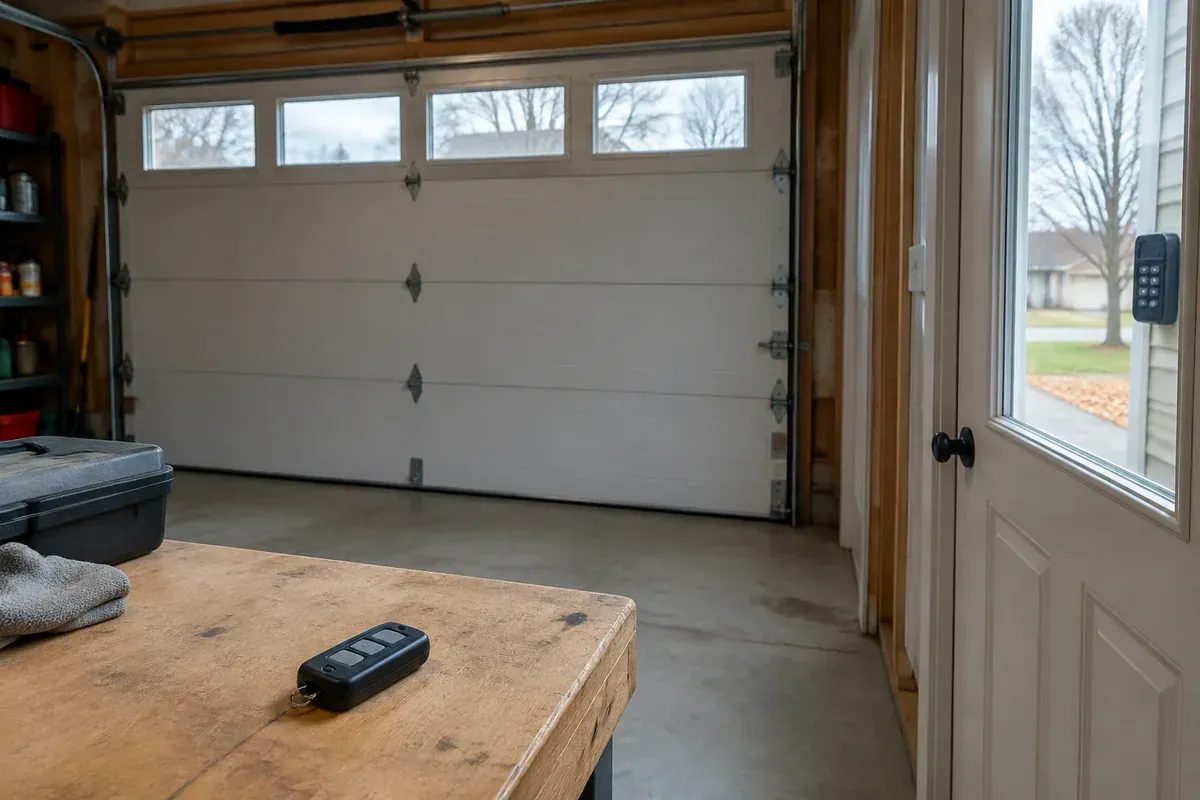
Gather the handheld remotes you know about. Check the vehicles, kitchen drawer, workbench, and any spare remote kept near a side entrance. Ask everyone who uses the garage to help account for them.
Look for accidental button presses
Common trouble spots include:
- A visor remote pressed against the headliner or another object.
- A remote buried under bags, tools, or papers.
- A keychain remote squeezed inside a pocket or purse.
- A cracked remote case that leaves its button stuck down.
- A wall control blocked by a hanging coat, stored lumber, or yard equipment.
- A keypad with a damaged or sticking button.
Move loose items away from each control. Look for buttons that remain depressed or do not return normally after use. Do not spray cleaner into a keypad or wall console.
If a handheld remote looks damaged, set it aside and remove its battery if the battery compartment is intended for user access. Follow the remote's instructions. That can help isolate the remote without changing the opener's wiring.
Inspect the wall control without opening it
Look at the wall button for cracks, looseness, or obvious moisture. In a Lima garage, wet coats, snow-covered tools, and damp storage areas can put controls in less-than-ideal conditions. Moisture near a control is a clue to report, not proof that you have found the cause.
Do not unscrew the control or remove wires to see what happens. A damaged control or a short in its wiring can imitate a button press, but separating those causes belongs in a technician's diagnosis.
Review Everyone and Everything With Access
When you ask, “Why does my garage door randomly open?” the answer may involve an access method you forgot was connected. Depending on your equipment, the opener may accept commands from handheld remotes, vehicle buttons, a keypad, a phone app, or a smart-home system.
Make an access list before erasing anything. Include household members, tenants, former occupants, cleaners, maintenance workers, and anyone who borrowed a spare remote.
Check app activity and scheduled actions
If your opener has an app, review its activity history and account access. Look for an opening event near the time you found the garage open. Some systems show where a command came from, while others provide only a basic activity record.
Check for schedules, routines, voice-assistant connections, and other linked services. A routine created long ago may still be active even if nobody remembers setting it up.
An app notification is a useful clue, but it may not tell the whole story. A notification can arrive late, and some activity records do not identify the person or device behind a command.
Handle missing remotes and tenant turnover carefully
A lost remote should be treated as an access concern, especially if it was stolen with information identifying the property. Do not assume changing a keypad PIN also removes remote or app access. These may be separate settings.
For rental properties in Lima, Elida, or nearby towns, review access when occupants change. Collecting the remotes you can see does not tell you whether another working remote remains elsewhere.
Use the instructions for the exact opener model when removing old access or enrolling devices again. Clearing memory may disable controls that other authorized users depend on, so plan the change and tell them first.
Could a neighbor's remote be responsible?
It is possible for an opener to respond to another control if that control is compatible and authorized, or if an older system shares a matching code setting. That does not mean every nearby remote can open your door.
Radio interference more often causes poor range or missed commands than a valid opening command. Do not jump straight to a neighbor or an intruder when a trapped remote button or forgotten shared user has not been ruled out.
Record the Pattern Without Repeatedly Cycling the Door
Intermittent problems can disappear just when someone comes to inspect them. A short written record is often more useful than repeatedly opening and closing the door, hoping to catch it acting up.
Record what you observed, not what you think caused it. “Found open after returning home” is different from “Watched it open while every known remote was on the counter.”
| What you notice | What it may help narrow down | Safe next step |
|---|---|---|
| Opening happens when a vehicle arrives | Vehicle control or a handheld remote inside | Check button placement and ask the driver about use |
| App history shows an opening command | Connected account, routine, or linked device | Review authorized users and app settings |
| A remote has a sticky or crushed button | Accidental activation from that remote | Set it aside and remove its battery as instructed |
| Trouble appears after wet weather | Possible moisture-related control or wiring trouble | Report the timing; leave wiring inspection to a technician |
| Opening continues with known handheld remotes disabled | Another access method or an opener control fault | Arrange professional diagnosis |
| Trouble begins after a power interruption | A power-related issue worth investigating | Note the event without assuming it reset the opener |
Also note any opener lights, sounds, or messages that occur with the movement. Take a picture of an error display from a safe location if your opener has one.
Northwest Ohio weather can provide useful timing clues. If the trouble begins after a storm or outage, these garage door power-outage checks can help you separate a loss-of-power problem from an unwanted command. Timing alone does not establish the cause.
Secure the Garage While You Arrange Help
The immediate goal is to stop unexpected powered movement without creating another hazard. Keep the opening clear and avoid leaving valuables exposed while you investigate.
If the door is fully closed, sitting normally, and the opener plug is safely accessible, disconnecting its power may temporarily stop it from responding to electrical commands. Do not climb on a vehicle, stretch from an unstable ladder, or touch a wet outlet to reach the plug.
Understand the limits of unplugging
An opener with battery backup may still operate after its wall plug is disconnected. Follow the manufacturer's instructions for disabling that equipment, or ask a technician to help. Do not open electrical housings or improvise a battery disconnection.
Unplugging also does not necessarily erase remotes, keypad settings, or app access. Restoring power may bring the same problem back. Think of power isolation as a temporary precaution, not a completed repair or guaranteed reset.
Keep the door between an attached garage and the house secured as appropriate, and take keys or portable valuables inside. Do not block exits or create a trip hazard while trying to secure the space.
Be careful with manual operation and locks
Do not pull the emergency release while the door is open, moving, crooked, or showing signs of spring or cable trouble. A door that is not properly supported can fall when disconnected from the opener.
If you need manual operation, follow the equipment instructions and get help if the door feels heavy or will not stay controlled. Do not force it shut.
If your door has a manual lock, never run the opener against that lock. Any temporary locking arrangement must be removed before powered operation resumes. If you are unsure how to secure the door safely, leave that step to a technician.
Avoid Wiring Shortcuts and Random Adjustments
An unwanted opening can be frustrating enough to make trial-and-error repairs tempting. Resist that urge. Changing several settings at once can hide the original cause and introduce a different problem.
Do not disconnect photo eyes, twist control wires together, bridge terminals, or cut a wire because an online comment suggests it. Even control wiring that looks simple can cause unexpected movement if handled incorrectly.
Leave travel and force settings alone
Closing travel and force adjustments are not the starting point for a door that has been fully closed before opening later. Changing them without a proper reason can affect safe operation.
The same goes for springs, cables, and bottom brackets. Those parts do not belong in a homeowner test for unwanted activation, and some carry dangerous tension.
Do not replace parts based on a guess
A faulty wall control, damaged wire, receiver issue, or internal control-board problem can produce similar symptoms. That does not make the control board the automatic answer.
In my view, a good diagnosis should explain what evidence points to the failed part. Buying a new remote or opener before checking access and controls can leave you with the same problem and less clarity about its cause.
Know When an Opener Technician Should Take Over
Arrange service when unexplained openings continue after the basic control and access checks, when a control is wet or damaged, or when the garage cannot be secured. Stop using the system if you notice smoke, a burning smell, damaged electrical parts, or abnormal door movement.
A technician can check the wall control and its wiring, review how the opener receives commands, and inspect the opener's controls. The door itself should also be checked for safe operation before the system returns to regular use.
For recurring unwanted movement, garage door opener repair and installation service is the relevant service to ask about. Replacement may be appropriate for some equipment, but an unexplained opening alone does not prove the whole opener needs replacing.
Have useful details ready
Tell the technician whether you watched the door open, how long it had been closed, and which controls are connected. Mention missing remotes, recent account changes, power interruptions, water exposure, or work done near the wall-button wiring.
Have the opener's model information available if you can read it safely. You do not need to climb up or remove a cover to gather it. Your notes and any app history can help even when the problem is not happening during the visit.
Same Day Garage Door serves Lima, Ohio, and nearby towns, with emergency service available around the clock. Final pricing is confirmed after the technician sees the door and determines what work it needs.
If unexplained openings continue or leave your property unsecured, call Same Day Garage Door at (419) 909-0197 or request garage door service online.
Frequently asked questions
Does unplugging the garage door opener reset it?
Unplugging may restart an opener's electronics, but it does not necessarily erase paired remotes, access codes, or account settings. Battery-backup models may keep operating without outlet power, so follow the instructions for your model.
Can someone else's remote open my garage door?
A compatible remote that remains programmed to your opener can operate it, including a forgotten or missing remote. Some older systems also use matching code settings, but sharing a radio frequency alone does not mean a neighbor's remote can open your door.
Can electric garage doors open on their own?
They can open without a command you knowingly gave. Possible causes include an accidentally pressed remote, a damaged wall control or wire, connected-app activity, or an internal opener fault.
What can trigger a garage door to open after it has been closed?
A remote, keypad, wall control, vehicle button, or connected service can trigger an opening if your system supports that access method. A control or wiring fault can also imitate a command, which is why recurring unexplained movement needs diagnosis.
Will changing the keypad code stop unwanted openings?
It may help if someone is using that keypad code, but it will not necessarily remove remote, vehicle, or app access. Review each access method separately using the instructions for your opener.