Garage Door Keeps Beeping? Find the Alert Safely
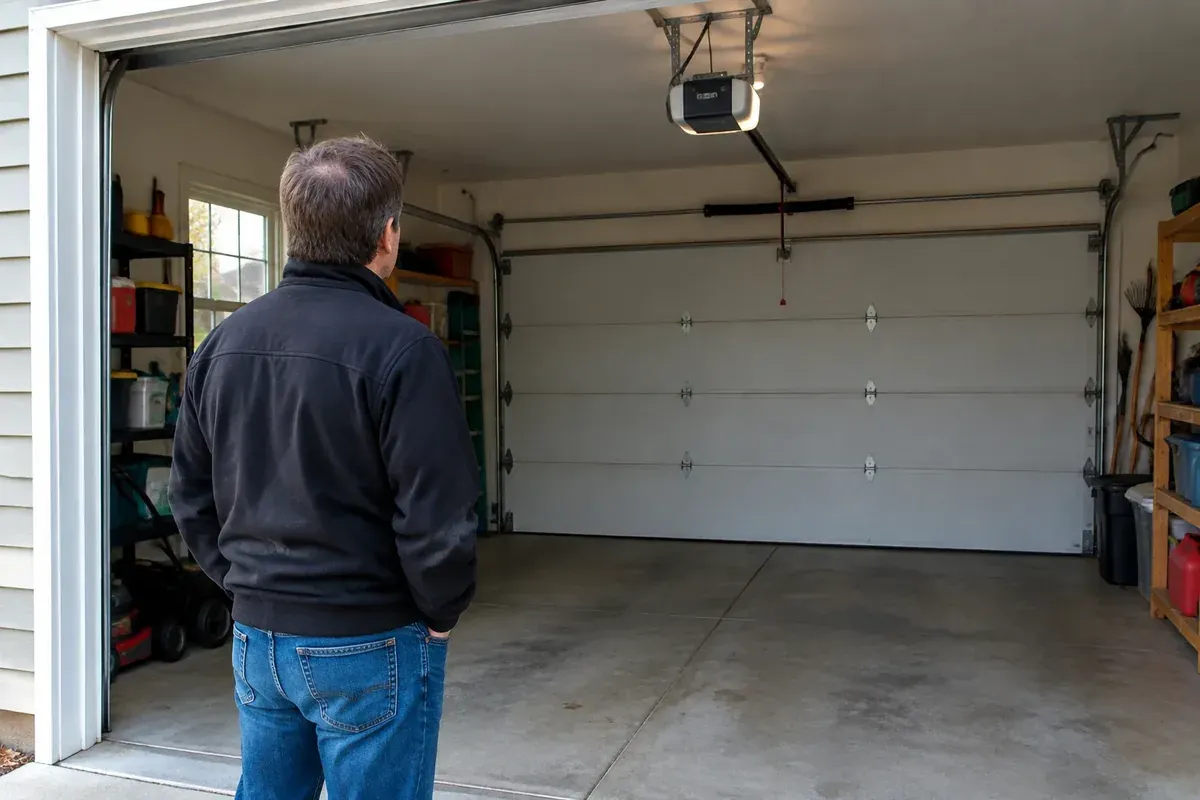
If your garage door keeps beeping, first find the device making the sound and note when it happens. An opener may sound an alert during certain closing commands, while operating on backup power, or when it detects a problem. The meaning depends on your exact model, so a beep alone is not a diagnosis.
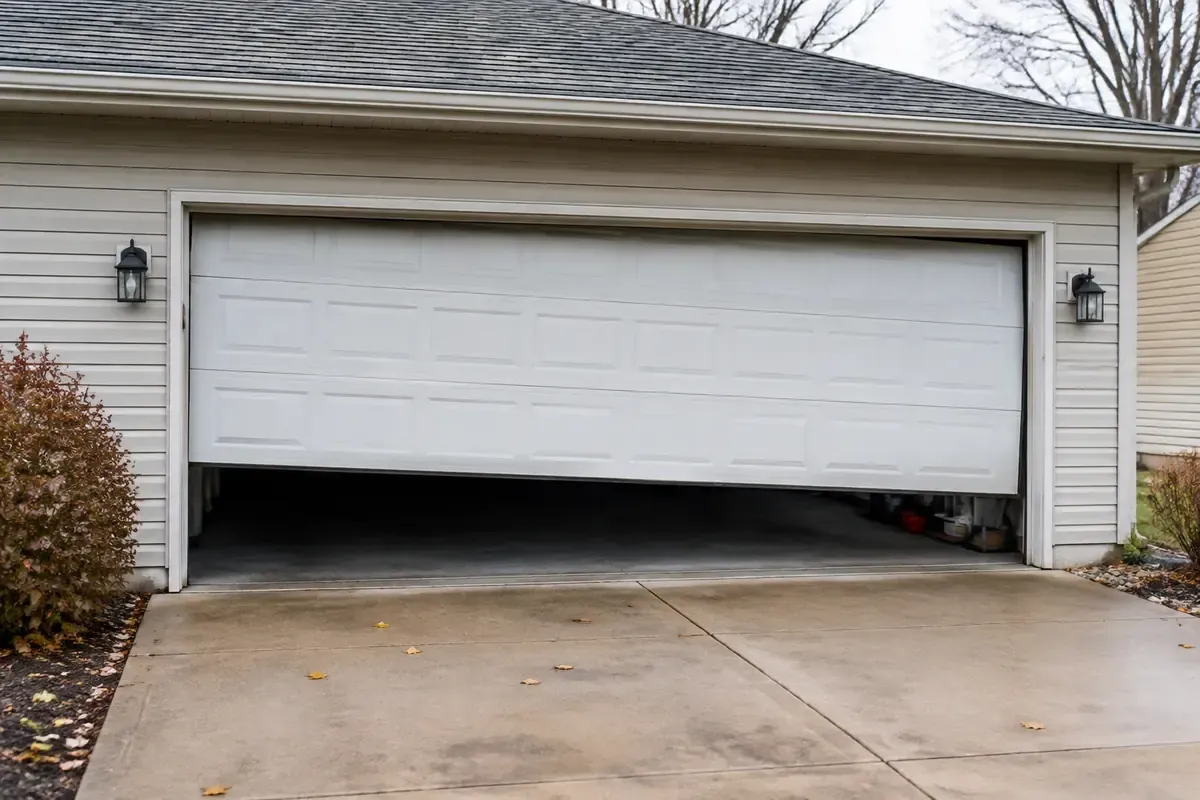
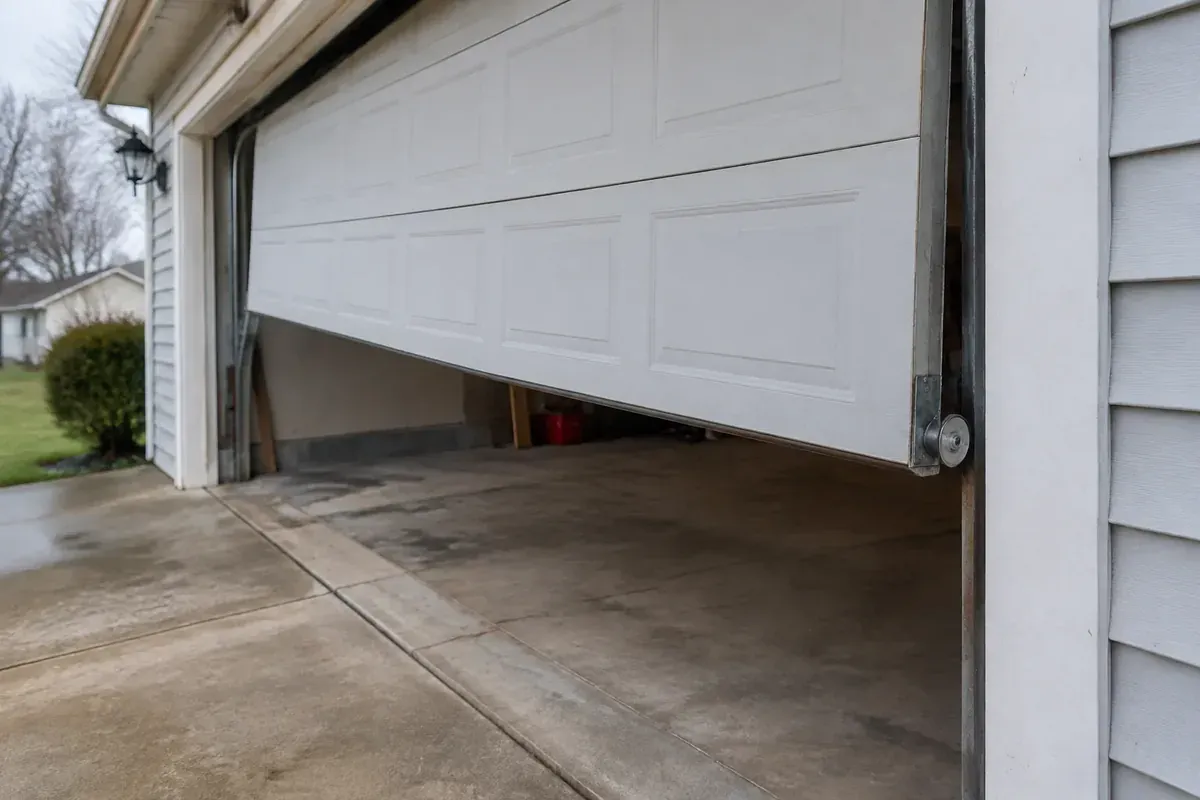
Keep people and pets clear of the door while you investigate. If the door moves unevenly, hangs crooked, or appears damaged, stop using it. For an alert you cannot identify safely, a garage door opener inspection and repair is a better next step than replacing parts by guesswork.
Find Where Your Garage Door Keeps Beeping
Sound carries through a garage, especially one with bare walls and a concrete floor. What seems to be coming from the ceiling-mounted opener may actually be a wall control, a nearby alarm, or another device.
Stand somewhere clear of the door’s path and listen before touching anything. Do not put your head near moving hardware or climb onto a vehicle to reach the opener.
Identify the device, not just the general area
Try to narrow the sound to one of these locations:
- The opener mounted overhead or beside the door
- The wall-mounted control
- A remote, keypad, or smart-home accessory
- A separate device, such as a smoke alarm, carbon monoxide alarm, or security component
Do not assume a nearby safety alarm is a garage door warning. If a smoke or carbon monoxide alarm is sounding, follow that alarm’s safety instructions rather than continuing with opener troubleshooting.
The small safety sensors near the bottom of the door tracks deserve a separate mention. On many common systems, these sensors show status through indicator lights rather than an audible alert. A beep that seems to come from a sensor may be coming from another device nearby.
Record what happens around the beep
Does it sound while the garage sits unused? Only when you close the door from an app? After a power interruption? Those details are often more useful than saying the opener “beeps all the time.”
Write down whether the door moves, whether the opener light flashes, and whether a wall control displays a message. A short recording from a safe spot can help preserve the sound pattern without making you operate the door repeatedly.
Check the Manual Before Assuming Something Failed
If you are asking, “Why is my garage door opener beeping?” the most useful answer starts with its model number. The brand name alone usually is not enough. Different openers from the same manufacturer can use different alerts and controls.
Look for model information on an accessible label, your installation paperwork, or a connected app. Do not remove the motor housing to find it. If the label is out of reach, check your records first or leave identification to a technician.
Match the instructions to the actual opener
Use the owner’s manual for that specific model and any separate instructions for its wall control or connected accessory. Look for headings such as audible alerts, battery backup, troubleshooting, diagnostic indicators, or remote closing.
A general internet chart can send you in the wrong direction. A beep pattern described for another model may not apply to yours, even if the units look similar.
Some connected openers give an audible warning before closing in response to a remote command. On a model designed that way, an alert tied to that command may be normal. Confirm that behavior in the manual rather than assuming every closing beep means a battery is failing.
Also check whether an automatic closing feature is enabled. If the warning happens only during a documented feature, and the door otherwise operates normally, the sound may be doing exactly what it was designed to do.
Separate Battery Warnings From Other Alerts
A backup battery is a reasonable place to investigate, but it should not be the automatic answer. Not every opener has one, and not every beep from an opener with a battery means the battery needs replacement.
An opener operating on backup power may alert you differently from an opener reporting a battery problem. Other alerts may relate to a control, accessory, or operating fault. Use the sound, visible indicators, and manual together.
| What you notice | What it may point to | Safe next step |
|---|---|---|
| Beeping began during a power outage | Backup-power operation on an equipped opener | Check the manual’s backup-power instructions and accessible status indicators |
| Beeping continues after power returns | A battery or charging alert, or a separate unresolved condition | Match the current indicators to the model’s troubleshooting instructions |
| Beeping occurs before an app-controlled close | A documented closing warning | Confirm the feature in the opener and app instructions |
| Beeping comes with a display message | A model-specific fault or maintenance alert | Record the exact message before changing settings |
| Beeping comes from a separate wall device | An accessory or unrelated alarm | Identify that device and use its own instructions |
Check for a power interruption without handling wiring
After a storm in Lima or nearby towns, it helps to know whether the garage lost power. You may notice that other garage lights or appliances also stopped working. That is useful context, but it does not prove the opener itself is healthy.
From the floor, look for an obviously disconnected power cord if the plug is visible. Do not reach around moving equipment, open electrical boxes, or keep resetting a breaker that trips. A recurring electrical problem needs qualified attention.
Replace a battery only when the instructions support it
The battery in a handheld remote is not the same thing as an opener’s backup battery. Replacing the remote battery will not resolve an alert coming from the motor unit unless the documentation specifically connects the problem to that remote.
If the manual identifies a user-replaceable backup battery, follow its instructions for the correct replacement, power isolation, access, and reconnection. Do not substitute a battery because it looks close enough or improvise a connection. If the battery compartment is damaged or the task goes beyond the documented procedure, leave it alone.
Read Accessible Indicators Without Opening the Housing
You can gather useful information without taking the opener apart. A wall display, app notification, or visible status light may explain more than the sound itself.
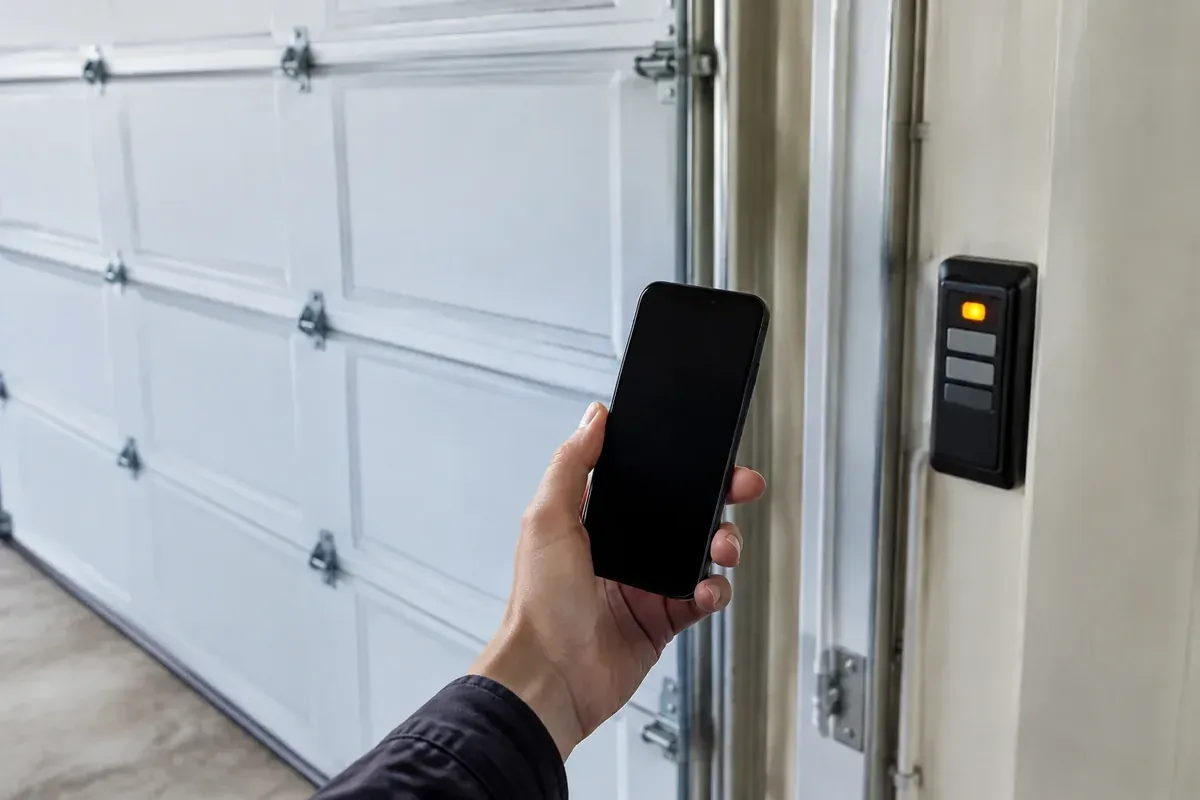
Record the exact wording of any message. For lights, note the color, whether the light is steady or flashing, and which device it is on. “The wall control shows a battery message” gives a technician a much clearer starting point than “something is blinking.”
Keep observation separate from adjustment
You can look for a storage bin blocking the doorway or notice that a sensor bracket appears bumped. You should not move wiring, alter travel settings, or adjust door hardware just to see whether the beeping stops.
In an Ohio garage, wet leaves, tracked-in slush, and stored seasonal items can collect near the door opening. Clear loose objects only while the door is stationary and you can stay away from its moving parts. Do not assume that clearing an obstruction explains an electronic warning unless the manual and indicators agree.
If the door reverses, refuses to close, or moves unexpectedly, stop treating the issue as sound alone. Our guide to a garage door opening on its own covers a related symptom that deserves separate attention.
Avoid repeated test cycles
Once you have observed the symptom, you do not need to keep opening and closing the door to prove it is still there. Repeated attempts can put people in the door’s path and make an intermittent issue harder to describe clearly.
If the door is crooked, jerking, or struggling, leave it alone. A beep may be electronic, but an unsafe door can still have a mechanical problem that needs inspection.
Do Not Silence an Unexplained Warning
The goal is to understand the alert, not just make the garage quiet. Removing a backup battery, disconnecting a sensor, or changing wiring can hide a symptom without fixing its cause.
Do not tape over sensors, hold controls to force the door past a safety response, or bypass a component. Do not disconnect a battery simply because someone with a different opener says that stopped their beeping.
A quiet opener is not proof of a repair
Unplugging an opener may stop some sounds, while an opener with backup power may continue to operate or alert. Either way, silence does not show that the original condition has been corrected.
A reset can also change useful diagnostic information or settings, depending on the model. Before resetting anything, record the message and follow the specific troubleshooting procedure. Avoid trying a string of button combinations from unrelated videos.
There is no universal mute procedure that is appropriate for every garage door opener. If your manual offers a way to acknowledge an alert, use it only after you understand what that alert means and what action the manufacturer requires.
Know when to stop immediately
Keep clear and stop operating the system if you notice a burning smell, smoke, damaged wiring, a hanging cable, or a door that sits crooked in the opening. Do not touch leaking or swollen battery components.
If the door is open and appears unsafe, keep people out from underneath it. Do not pull the emergency release on a door that may be unbalanced or damaged. Getting the door secured safely matters more than stopping the sound.
When Persistent Beeping Needs Opener Service
Request service when the correct manual does not explain the alert, the documented steps do not resolve it, or the warning returns. The same applies if you cannot safely reach or identify the relevant part.
A technician can determine whether the problem involves the opener’s power supply, backup battery, controls, accessories, or another part of the system. Inspection also helps separate an electronic alert from a door problem that is making the opener work improperly.
Give the technician a useful starting point
Before calling, gather what you can without taking anything apart:
- The opener’s brand and model, if accessible
- Where the sound comes from
- When the alert started and whether power was interrupted
- Any visible message or indicator pattern
- Whether the door opens and closes normally
- Any recent changes, such as a new wall control or app setting
For a rental property in Lima, Elida, or Wapakoneta, ask the occupant for those observations rather than asking them to troubleshoot wiring or replace parts. A short video can help, but nobody should stand under a moving door to make one.
Beeping does not automatically mean replacement
A documented battery issue or accessory problem may not require a new opener. On the other hand, replacing batteries repeatedly without a diagnosis can waste money and leave the actual fault unresolved.
If inspection points toward replacement, compare compatibility, backup-power options, and the controls you actually use. Our guide to choosing a garage door opener can help you prepare for that discussion. Final pricing depends on what the technician finds and the work your system needs.
A Practical Next Step for Lima Homeowners
Start with the source of the sound, then match the timing and visible indicators to your exact manual. If it is a documented routine warning, you can understand the sound without changing parts. If it points to a fault, follow only the steps intended for the homeowner.
The same approach works in an attached garage in Lima or a detached garage outside town: observe first, avoid repeated operation, and do not bypass anything to silence it. If you cannot identify the warning, leave the internal components alone.
For an unexplained or persistent alert, request an opener inspection from Same Day Garage Door. Call (419) 909-0197 or contact Same Day Garage Door to describe what you hear and arrange service.
Frequently asked questions
Why is my garage sensor beeping?
On many common garage door systems, the safety sensors communicate through indicator lights rather than beeps. Listen from a safe location to confirm whether the sound actually comes from the opener, wall control, or a nearby alarm, then check that device’s manual.
How do I change the battery in my garage door opener?
First identify whether you mean the remote battery or the opener’s backup battery, since they require different procedures. Use the exact model’s instructions for the replacement type and safe access, and do not open the motor housing or improvise battery connections.
What does it mean when a LiftMaster garage door opener beeps?
The meaning depends on the LiftMaster model, when the alert occurs, and any accompanying lights or messages. Check the matching manual for backup-power alerts, battery warnings, and documented warnings associated with remote closing rather than applying a universal beep chart.
Why is my Ghost Gate opener beeping?
A Ghost Controls gate opener is a different system from a garage door opener, so garage door alert instructions should not be used to diagnose it. Identify the gate operator’s exact model, record its indicators, and consult its own manual or a qualified gate service provider.
Can I keep using my garage door while it is beeping?
That depends on the cause, so identify the warning before continuing normal use. Stop operating the door if it moves unevenly, behaves unexpectedly, shows visible damage, or the manual tells you the alert requires service.